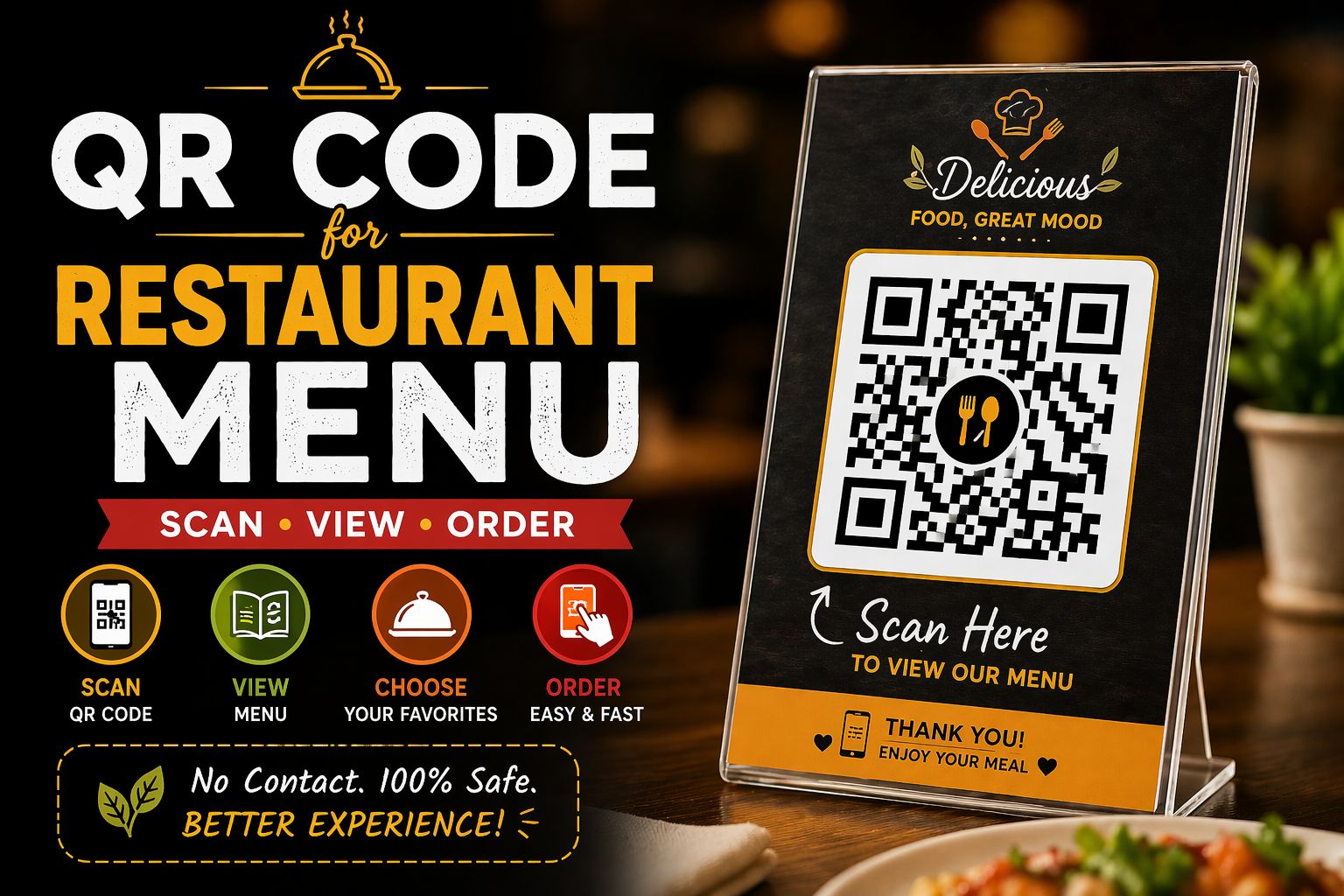
Customers sitting down, picking up a physical menu, and handing it back — that process is outdated. In 2025, thousands of Indian restaurants have switched to digital QR code menus, and the results speak for themselves: lower printing costs, faster service, and a more hygienic dining experience.
In this guide, you'll learn exactly how to create a QR code for your restaurant menu for free, how to display it, and how it benefits both you and your customers.
Why Your Restaurant Needs a QR Code Menu
- Eliminate repeated menu printing costs — update your menu digitally at any time
- Hygienic — customers never touch a shared physical object
- Faster ordering — customers browse while waiting, reducing table turnover time
- Looks modern and professional — impresses guests, especially younger diners
- Works for any restaurant size — a small dhaba or a fine dining restaurant
| Did You Know? QR code scans in India jumped by over 200% between 2020 and 2024. Customers are now comfortable with QR codes — they expect them. |
How to Create a QR Code Menu in 3 Steps
Step 1: Put Your Menu Online
Your QR code needs to link to something. The easiest options are:
- Upload a PDF of your menu to Google Drive and make it publicly accessible
- Create a simple Google Doc or Google Sheet with your menu items and prices
- Build a free one-page website on platforms like Canva or Linktree
- Use a WhatsApp catalogue if you also take orders via WhatsApp
Step 2: Generate Your QR Code
- Go to www.adziohub.com/tools/qr-code-generator
- Select 'URL' as the QR code type
- Paste the link to your online menu
- Click 'Generate QR Code'
- Download as PNG
Step 3: Display Your QR Code
Print your QR code and display it:
- On a small tent card at each table
- On a sticker on the table surface
- On a poster at the entrance
- On a digital screen at the counter
| Pro Tip: Laminate your QR code tent cards so they last longer and can be cleaned easily between customers. |
How to Update Your Menu Without Reprinting QR Codes
This is where most restaurant owners get confused. If you use a static QR code that links directly to a PDF, every time your menu changes you'll need a new QR code (and new printouts).
The smarter approach: link your QR code to a Google Drive folder or a Google Doc. When you update the document, your existing QR code automatically shows the new version — no reprinting needed.
What to Include on Your QR Code Display
- The QR code image — large enough to scan from 30 cm away
- A short instruction: 'Scan to view our menu'
- Your restaurant logo or name for brand recognition
- Optional: A brief note in the local language for older customers who may need help
Common Questions from Restaurant Owners
What if a customer's phone doesn't scan QR codes?
Keep a few physical menus available as backup. Most modern smartphones can scan QR codes directly through the default camera app without any extra app.
Can I add prices and photos to my QR menu?
Yes — if your menu is a Google Doc, Canva page, or website, you can add images and formatting. A visual menu with photos of dishes can significantly increase order values.
Can I use the same QR code for multiple tables?
Yes. Since all tables link to the same online menu, one QR code image can be printed multiple times and placed on every table.
Cost Comparison – Physical Menu vs QR Code Menu
| Item | Physical Menu | QR Code Menu |
| Initial cost | ₹500–₹5,000 | Free (AdzioHub) |
| Update cost | ₹500 per reprint | ₹0 — edit online |
| Replacement cost | ₹50–₹200 per menu | ₹10 (laminate reprint) |
| Hygiene | Low | High |
| Customer experience | Standard | Modern & fast |
Conclusion
Switching to a QR code menu is one of the easiest and most cost-effective upgrades a restaurant can make. It takes less than 5 minutes to set up and costs absolutely nothing.
Create your restaurant QR code today on AdzioHub — free, fast, and ready to print.
Create Your Menu QR Code Free:https://www.adziohub.com/tools/qr-code-generator