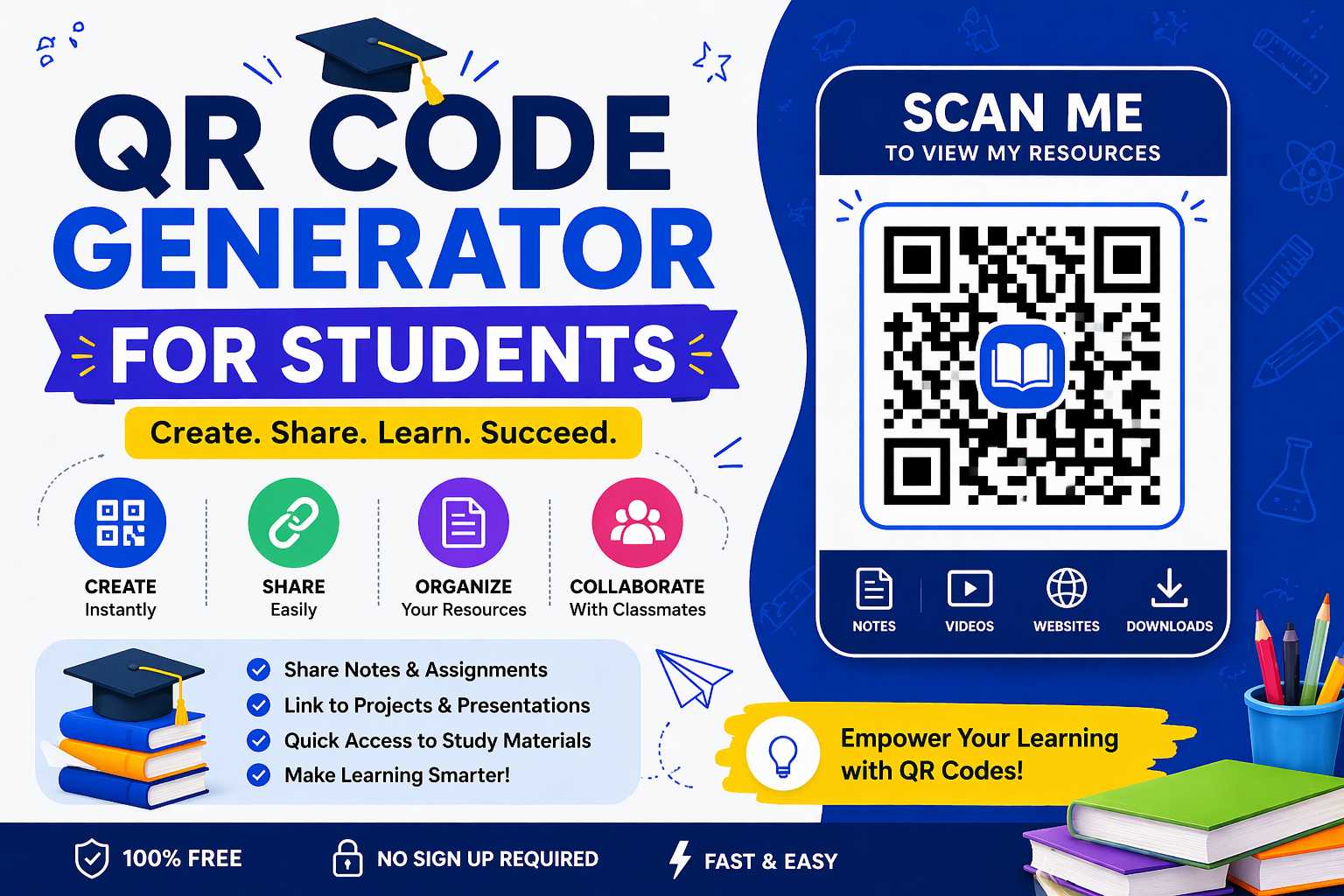
QR codes are not just for businesses and restaurants. Students are discovering creative and practical ways to use QR codes every day — from assignments and projects to sharing notes and building resumes.
In this guide, you'll find 7 powerful ways Indian students can use a free QR code generator to make their academic and professional life easier.
Why Should Students Use QR Codes?
- Share large files (assignments, projects, presentations) without email attachments
- Add interactive elements to printed posters and projects
- Look more professional in college fests and presentations
- Avoid writing long URLs — one scan is faster than typing
- Completely free — no budget needed
| All QR codes in this guide can be created for free at www.adziohub.com/tools/qr-code-generator — no account required. |
7 Smart Ways Students Can Use QR Codes
1. Add a QR Code to Your Resume
Your resume has limited space. Instead of listing every project or certificate, add a QR code that links to your portfolio, GitHub profile, or LinkedIn page. Recruiters who want to know more simply scan and explore — making your resume stand out from the stack.
What to link to: Your LinkedIn profile, GitHub, Behance portfolio, or a Google Drive folder with work samples.
2. Project Posters and Science Exhibitions
If you're presenting a project at a college fest or science exhibition, add a QR code to your poster that links to a detailed report, video demonstration, or presentation slides.
Judges and visitors who want more information can scan and read at their own pace — and you won't have to repeat your explanation to every person.
3. Share Study Notes with Classmates
Upload your notes to Google Drive, generate a QR code for the shareable link, and print or share the code in your class WhatsApp group. Your classmates can scan and access the notes instantly — no need to forward large files.
4. Assignment Submission with Supporting Material
When submitting a printed assignment, add a QR code that links to your reference sources, dataset, or video explanation. It shows your teacher that you've done thorough research and adds depth to your submission.
5. College Event Invitations and Posters
Planning a college fest, seminar, or workshop? Add a QR code to your event poster that links to the registration form, event schedule, or Google Maps location. It makes the logistics seamless for attendees.
6. Digital Business Card for Internship Season
During internship season, networking events, or campus placements, instead of handing out a physical card (which most students don't have), share a QR code that links to your LinkedIn profile or portfolio.
Save it on your phone's home screen. When you meet someone, just show the screen — they scan and instantly have your professional contact.
7. Language Learning and Classroom Activities
If you're a student who also tutors others, or if you're involved in college events that require interactive activities, QR codes can link to audio clips, videos, or quizzes that make learning more engaging.
How to Create a QR Code as a Student – Step by Step
- Open www.adziohub.com/tools/qr-code-generator on your phone or laptop
- Choose the type: URL is the most common for students
- Paste your Google Drive link, LinkedIn URL, or any webpage link
- Click 'Generate'
- Download as PNG and insert into your resume, poster, or assignment
| Student Tip: When linking to Google Drive, make sure the sharing settings are set to 'Anyone with the link can view'. Otherwise, the person scanning won't be able to open the file. |
QR Code Do's and Don'ts for Students
| Do This | Avoid This |
| Test your QR code before submitting/printing | Generate and use without testing |
| Use public Google Drive links | Use links that require login to view |
| Label the QR code ('Scan for portfolio') | Leave it as a mystery box |
| Use a minimum size of 2.5 cm for print | Print too small — it won't scan |
| Keep your linked content updated | Link to outdated or incomplete work |
Conclusion
QR codes are a free, practical tool that every student can use to stand out — in college projects, placements, events, and everyday study life. The investment is zero; the impact is significant.
Start using AdzioHub's free QR code generator today and take your student projects to the next level.
Generate Your Free QR Code: www.adziohub.com/tools/qr-code-generator