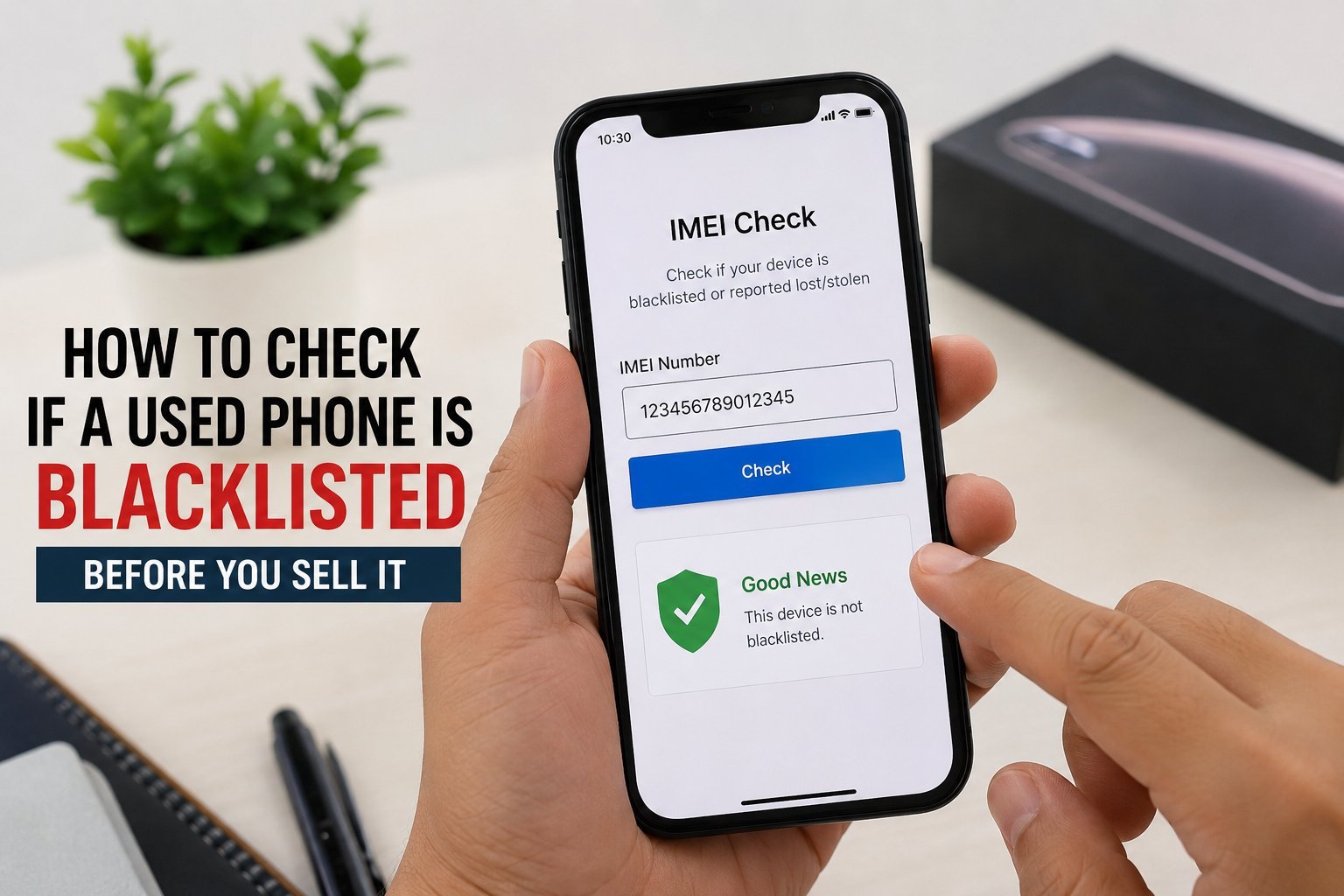
If you're planning to sell your old phone, there's one thing that can quietly ruin the deal: a blacklisted IMEI. A phone gets blacklisted when its IMEI is reported lost, stolen, or involved in fraud, and once that happens, telecom operators block the device from connecting to any network – even if you're the rightful current owner.
The tricky part is that a blacklisted phone can still power on and run normally. There's nothing visually wrong with it, which is why so many people get caught off guard, either buying a phone that turns out to be blocked or selling one without realising there's an issue.
To check, dial *#06# to pull up the IMEI number, then verify its status through your telecom provider or India's CEIR portal. It takes a couple of minutes, and it's free. Always do this before handing over money as a buyer, and check your own phone's status too if you're planning to sell.
A lot of used-phone transactions in India still happen informally, and IMEI checks often get skipped entirely in the rush to close a deal. This is exactly the gap formal buyback platforms fill – CashNow runs an IMEI check as a standard part of the process before quoting a price so both sides know exactly what they're dealing with. Full guide here: https://www.cashnow.co.in/blog/blacklisted-phone
Views: 19 · 30s+ reads: 0