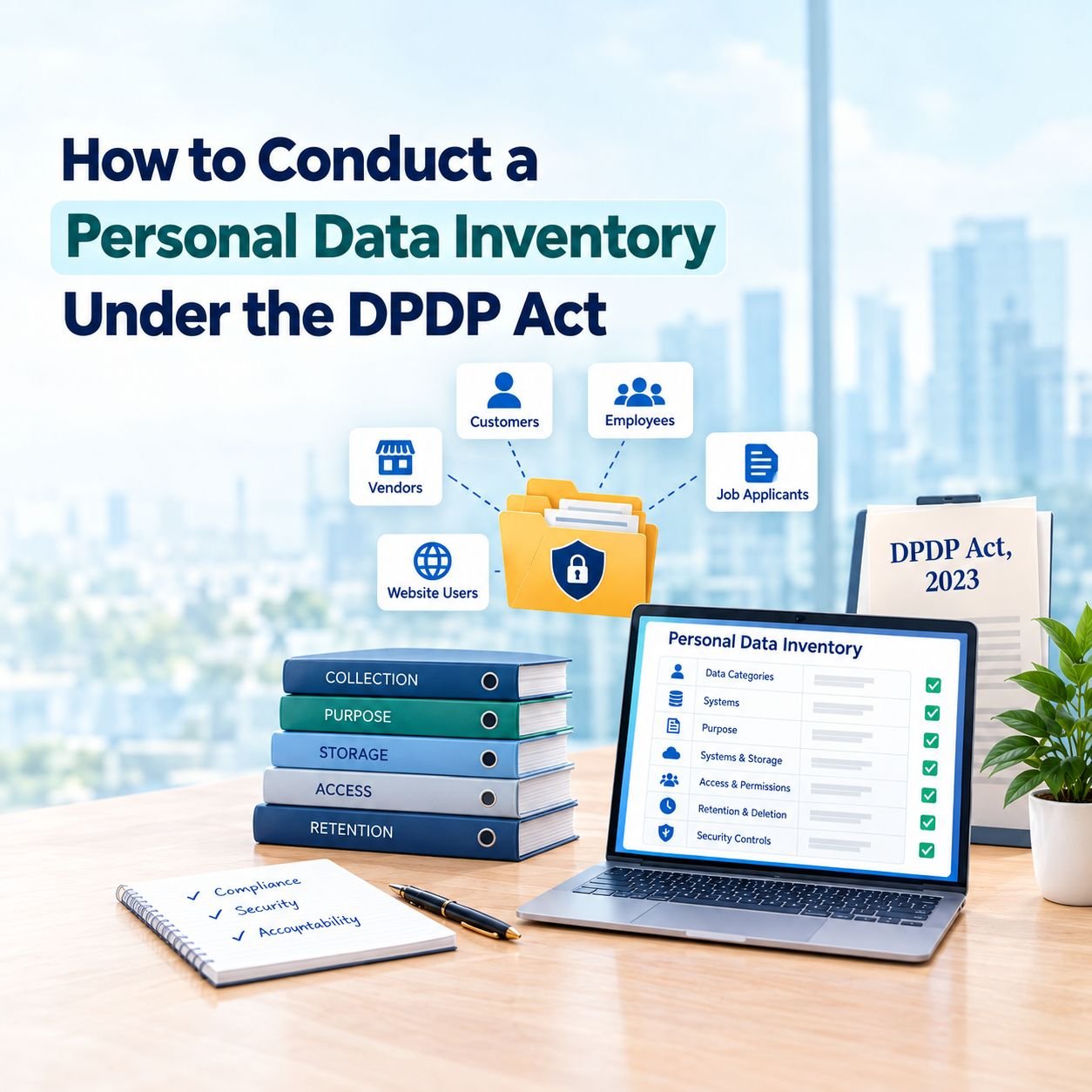
A personal data inventory is an important step toward compliance with India’s Digital Personal Data Protection (DPDP) Act, 2023. It helps businesses understand what personal data they collect, why they process it, where it is stored, who can access it, and when it should be deleted.
Without a clear inventory, organisations may struggle to manage privacy risks, respond to data requests, or identify information affected by a security breach.
What Is a Personal Data Inventory?
A personal data inventory is a structured record of the personal information an organisation collects, stores, uses, or shares. It covers data related to customers, employees, job applicants, vendors, and website users.
It typically records:
- Types of personal data collected
- Sources and purposes of collection
- Systems where the data is stored
- Employees and third parties with access
- Retention periods and deletion procedures
- Security measures and applicable processing grounds
A data inventory identifies what information exists, while data mapping explains how it moves between systems and organisations.
Why Is It Important Under the DPDP Act?
The DPDP Act places responsibilities on Data Fiduciaries for personal data processing, including processing carried out by Data Processors on their behalf. Maintaining an inventory helps organisations understand their obligations and establish appropriate safeguards.
For example, customer information may exist in a CRM, email inboxes, spreadsheets, cloud storage, marketing tools, and customer support systems. Identifying these locations makes it easier to manage access, respond to correction or erasure requests, and investigate potential data breaches.
Steps to Conduct a Personal Data Inventory
1. Define the Scope
Identify all departments, applications, and locations that may contain personal data. Include websites, mobile apps, HR and payroll systems, CRM platforms, email, cloud storage, backups, and physical records.
2. Identify Data Principals and Data Categories
List the individuals whose information you process, such as customers, employees, applicants, and business contacts. Classify the information into categories such as identity, contact, financial, employment, account, and communication data.
3. Document Sources and Purposes
Record where each type of data comes from and why it is required. Purposes should be specific, such as processing orders, managing payroll, providing customer support, or handling recruitment.
Also document the applicable processing ground under the DPDP Act, whether consent or a relevant specified legitimate use.
4. Identify Systems and Data Flows
Record every system in which personal data is stored or processed, including backups, spreadsheets, third-party applications, and development environments.
Map how information moves from collection to use, sharing, storage, archiving, and deletion.
5. Record Access and Third-Party Processors
Identify which teams and external service providers can access personal data. Include cloud providers, payment processors, payroll services, CRM vendors, and marketing platforms.
Record the services they provide, the data they process, relevant contractual arrangements, and deletion procedures.
6. Establish Retention and Deletion Rules
Determine how long each category of personal data needs to be retained, considering its purpose and applicable legal requirements. Document when deletion should occur, how it will be performed, and how copies held by processors or backups will be handled.
7. Document Security Controls
Record the safeguards protecting personal data, including encryption, access restrictions, multi-factor authentication, monitoring, logging, backups, and incident response procedures.
Review access permissions and identify processing activities that may require additional risk assessment.
8. Create and Validate the Inventory
Maintain the information in a central spreadsheet or privacy management system. Consult HR, IT, finance, marketing, legal, security, and other relevant teams to verify the records.
Cross-check the inventory against application lists, databases, cloud assets, vendor registers, and backup systems to identify missing information.
9. Identify Gaps and Update Regularly
Look for unknown data sources, missing owners, unlisted vendors, excessive retention, unnecessary access, and incomplete deletion processes.
Use these findings to create a remediation plan. Review the inventory whenever new systems, vendors, processing activities, or data-sharing arrangements are introduced, as well as through periodic reviews.
What Should a Personal Data Inventory Include?
A practical inventory should contain these key fields:
| Field | Information to Record |
|---|---|
| Processing activity | What the organisation does with the data |
| Data category | Types of personal information |
| Data source | Where the information comes from |
| Purpose and processing ground | Why and on what permitted ground it is processed |
| Systems and storage | Where the data is held |
| Access and processors | Who can access or process it |
| Retention and deletion | How long it is kept and when it is removed |
| Security controls | Safeguards protecting the information |
| Owner and review date | Who is responsible and when it was last reviewed |
Conclusion
Conducting a personal data inventory gives businesses a clearer understanding of their data practices and provides a practical foundation for DPDP compliance. It supports better access management, retention controls, transparency, data-principal rights handling, and breach response.
The inventory should remain a living record that evolves with the organisation. By reviewing it regularly and addressing identified gaps, businesses can strengthen their data governance and manage personal information more responsibly. A well-maintained personal data inventory also helps organisations prepare for audits, assess privacy risks, and improve accountability across departments. By assigning clear ownership to each processing activity, businesses can identify compliance gaps early and implement corrective measures. Regular reviews ensure that the inventory remains accurate as business operations, technologies, vendors, and data processing practices evolve over time.
Views: 7 · 30s+ reads: 0